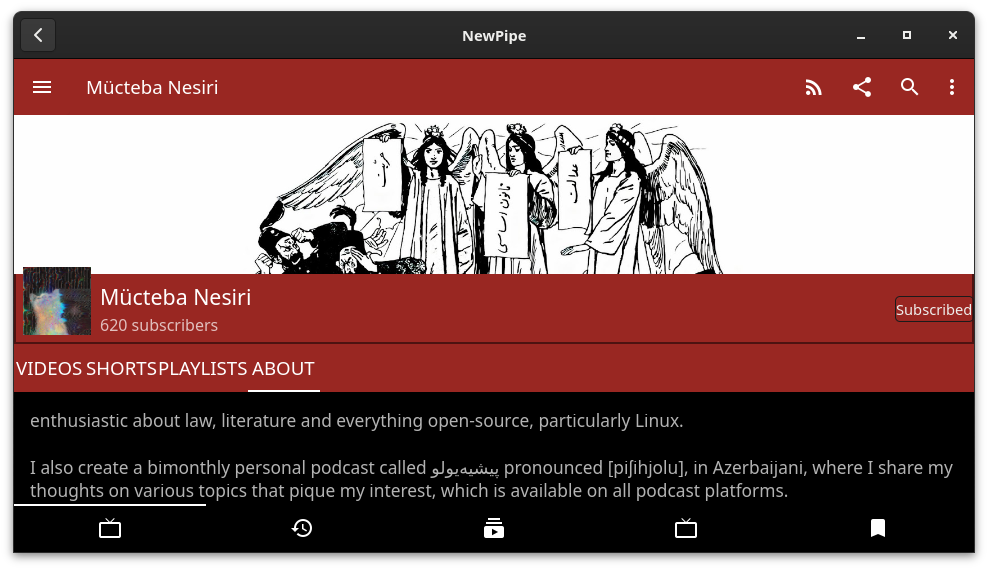
 This guide helps you configure NewPipe (a privacy-friendly YouTube client) to automatically open YouTube links from anywhere—like your browser, emails, or apps—instead of your web browser. We’ll use a simple “wrapper script” to detect YouTube URLs and route them to NewPipe, while keeping everything else opening in your default browser (e.g., Firefox).
Goal: Click any YouTube link (e.g.,
This guide helps you configure NewPipe (a privacy-friendly YouTube client) to automatically open YouTube links from anywhere—like your browser, emails, or apps—instead of your web browser. We’ll use a simple “wrapper script” to detect YouTube URLs and route them to NewPipe, while keeping everything else opening in your default browser (e.g., Firefox).
Goal: Click any YouTube link (e.g., https://youtu.be/...) → Opens video directly in NewPipe. Non-YouTube links → Opens in browser.
Prerequisites:
- Arch Linux with GNOME desktop.
- NewPipe installed via Flatpak:
flatpak install flathub net.newpipe.NewPipe. - Basic terminal access (e.g., GNOME Terminal).
- Your default browser installed (e.g., Firefox:
sudo pacman -S firefox). - Optional:
xdg-utilsandgvfsfor better MIME handling:sudo pacman -S xdg-utils gvfs desktop-file-utils. Time Estimate: 10-15 minutes.
Step 1: Test NewPipe URL Handling
Verify NewPipe can open videos from a URL (this uses gtk-launch for Flatpak compatibility):
gtk-launch net.newpipe.NewPipe 'https://youtu.be/dQw4w9WgXcQ'- It should launch NewPipe and play the video (Rick Astley—classic test!).
- If it opens empty, check Flatpak permissions:
flatpak override --user net.newpipe.NewPipe --filesystem=host.
Step 2: Create the Wrapper Script
This script checks if a URL is YouTube-related and launches NewPipe (or your browser otherwise). Save it to ~/.local/bin/ (create the folder if needed: mkdir -p ~/.local/bin).
Run:
cat > ~/.local/bin/youtube-handler.sh << 'EOF'
#!/bin/bash
url="$1" 2>/dev/null # Suppress extra noise
# Check if it's a YouTube URL (videos, shorts, channels, etc.)
if [[ "$url" =~ (youtube.com/(watch|shorts|playlist|embed|channel|user|c|@)|youtu.be/) ]]; then
    gtk-launch net.newpipe.NewPipe "$url" &>/dev/null &
else
    # Replace 'firefox' with your browser if different (e.g., 'google-chrome')
    firefox "$url" &>/dev/null &
fi
EOF
Make it executable:
chmod +x ~/.local/bin/youtube-handler.shTest it:
~/.local/bin/youtube-handler.sh 'https://youtu.be/dQw4w9WgXcQ'- YouTube → NewPipe video. Non-YouTube (e.g.,
https://example.com) → Firefox. Tip: Edit theif [[ ... ]]regex line to add more sites (e.g.,|invidious.io/for Invidious).
Step 3: Create a Desktop Entry for the Handler
This registers the script as a “browser” app that GNOME recognizes for web links. Run:
cat > ~/.local/share/applications/youtube-handler.desktop << 'EOF'
[Desktop Entry]
Name=YouTube Handler
Exec=/home/YOUR_USERNAME/.local/bin/youtube-handler.sh %u # Replace YOUR_USERNAME with your actual username (run `echo $USER`)
Terminal=false
Type=Application
MimeType=text/html;application/xhtml+xml;x-scheme-handler/http;x-scheme-handler/https;
Categories=Network;WebBrowser;
StartupNotify=true
StartupWMClass=firefox # Helps GNOME portals treat it like a real browser
NoDisplay=true # Hides from app menu
EOF
Validate it (optional):
desktop-file-validate ~/.local/share/applications/youtube-handler.desktop- No output = good.
Step 4: Set It as the Default Handler
Register the handler for web links. Run these in order:
- Via xdg-mime (basic associations):
xdg-mime default youtube-handler.desktop text/html application/xhtml+xml x-scheme-handler/http x-scheme-handler/https - Via xdg-settings (GNOME-specific):
xdg-settings set default-web-browser youtube-handler.desktop xdg-settings set default-url-scheme-handler http youtube-handler.desktop xdg-settings set default-url-scheme-handler https youtube-handler.desktop - Via GVFS (GNOME’s MIME backend—ensures portal compliance):
gvfs-mime set x-scheme-handler/http youtube-handler.desktop gvfs-mime set x-scheme-handler/https youtube-handler.desktop gvfs-mime set text/html youtube-handler.desktop gvfs-mime set application/xhtml+xml youtube-handler.desktop - Lock in MIME config file (for persistence across reboots):
cat > ~/.config/mimeapps.list << 'EOF'
[Default Applications]
text/html=youtube-handler.desktop
application/xhtml+xml=youtube-handler.desktop
x-scheme-handler/http=youtube-handler.desktop
x-scheme-handler/https=youtube-handler.desktop
[Added Associations]
text/html=youtube-handler.desktop
application/xhtml+xml=youtube-handler.desktop
x-scheme-handler/http=youtube-handler.desktop
x-scheme-handler/https=youtube-handler.desktop
EOF
Verify:
xdg-settings get default-web-browser # Should show: youtube-handler.desktop
xdg-mime query default x-scheme-handler/https # Should show: youtube-handler.desktop
gvfs-mime-info x-scheme-handler/https | grep youtube-handler # Should list it
```bash
## Step 5: Refresh and Test
Apply changes:
update-desktop-database ~/.local/share/applications/ systemctl —user restart xdg-desktop-portal{,-gnome,-gtk}
- Optional: Restart GNOME Shell (Alt+F2 → type `r` → Enter) or log out/in.
Test:
xdg-open ‘https://youtu.be/dQw4w9WgXcQ’ # → NewPipe (video plays) xdg-open ‘https://example.com’ # → Firefox (or your browser)
- Try in a real app: Copy a YouTube link from Firefox/email and middle-click-paste or Ctrl+L → Enter.
- Success? 🎉 You're done!
## Troubleshooting
| Issue | Fix |
|-------|-----|
| **Script permission denied** | `chmod +x ~/.local/bin/youtube-handler.sh` |
| **xdg-settings shows Epiphany/Firefox** | Re-run Step 4 fully, then log out/in. If stuck, copy desktop file system-wide: `sudo cp ~/.local/share/applications/youtube-handler.desktop /usr/local/share/applications/` + `sudo update-desktop-database /usr/local/share/applications/` |
| **NewPipe opens empty** | Test `gtk-launch net.newpipe.NewPipe 'https://URL'` directly. Add Flatpak override: `flatpak override --user net.newpipe.NewPipe --talk-name=org.freedesktop.portal.Desktop` |
| **Debug MIME lookup** | Run: `env XDG_UTILS_DEBUG_LEVEL=10 xdg-open 'https://youtu.be/...' 2>&1 \| grep -i handler`—paste output for help |
| **Portal errors** | Check logs: `journalctl --user -u xdg-desktop-portal-gnome -f` while testing |
| **Epiphany warnings (libnuspell etc.)** | Harmless—install: `sudo pacman -S nuspell aspell voikko hunspell-en_us` |
| **Revert to browser** | `xdg-settings set default-web-browser firefox.desktop` (or your browser's .desktop file) + delete `~/.local/share/applications/youtube-handler.desktop` and script |
**Notes:**
- This works system-wide for `xdg-open` and GNOME apps. For Firefox-specific, install the "External Application Button" extension and set command to `gtk-launch net.newpipe.NewPipe %u`.
- Updates: Re-run Step 5 after GNOME/Flatpak updates.
- Customize: Swap `firefox` in script for your browser. Add logging: `echo "Handled: $url" >> ~/youtube-log.txt` for debugging.
Refer back anytime—copy-paste the commands! If issues pop up, share error output.